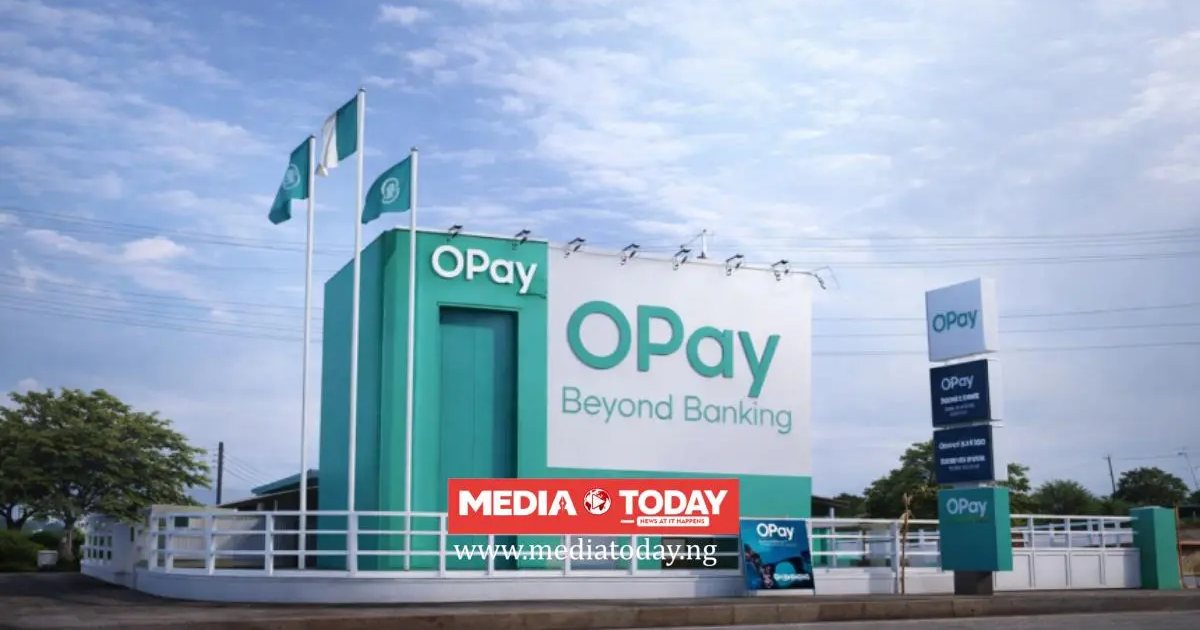
OPay is one of Nigeria’s biggest fintech platforms, offering mobile money, transfers, payments and everyday banking to tens of millions of users through its popular app and vast agent network.
This complete guide covers everything you need to know about banking internationally and locally with OPay, including its SWIFT code position, how to receive money from abroad, its USSD code and mobile banking, how to open an account, its contact details, and a full profile of OPay itself.
A SWIFT code, also called a BIC (Bank Identifier Code), is an internationally recognised code that identifies a bank during a cross border transfer. It is managed by SWIFT, the Society for Worldwide Interbank Financial Telecommunication, the global network banks use to send secure payment instructions to one another.
Does OPay Have a SWIFT Code?
OPay does not have its own SWIFT/BIC code. OPay operates as a licensed payment and fintech platform, and institutions of this kind in Nigeria generally do not hold their own SWIFT code for receiving international transfers directly, unlike the traditional commercial banks.
You may see a code such as OPAHGB22 online, but this belongs to OPay’s entity in the United Kingdom, not your Nigerian OPay account, so it should not be used to receive money into a Nigerian OPay wallet.
What is a SWIFT/BIC Code?
A SWIFT code, or BIC, is the international address of a bank, used to route money across borders to the correct institution. Traditional commercial banks in Nigeria each have one, but payment and microfinance style providers such as OPay typically do not, which is why money from abroad usually reaches you through one of the routes described below rather than through a direct SWIFT transfer.
How to Receive Money from Abroad with OPay
To receive money from abroad into OPay, use OPay’s in app international transfer feature where available, or a remittance service that pays out to Nigerian accounts and select OPay as the destination. You can also receive foreign currency into a commercial bank with a domiciliary account and transfer it to OPay locally.
For local transfers, anyone can send money to your OPay account by selecting OPay as the bank and entering your account or phone number.
Because Nigeria does not use the IBAN system, an international sender only needs the destination account details and, where a bank is involved, its SWIFT code. When routing money to you through a commercial bank first, use that bank’s SWIFT code and your account there, then move the funds to OPay locally once they arrive.
OPay USSD Code and Mobile Banking
The USSD code for OPay is *955#. This short code lets you bank directly from any mobile phone, even a basic one with no internet or app, by dialling it from the phone number linked to your account. It is one of the quickest ways to carry out everyday banking on the go.
With the OPay USSD code you can carry out a wide range of everyday banking tasks, including:
Check your account balance
Transfer money to OPay and other bank accounts
Buy airtime and data for yourself or others
Pay bills such as electricity, water and subscriptions
Open a new OPay account
Check your BVN and manage your account
Block your account quickly in an emergency
How to Open a OPay Account with the USSD Code
You can open a OPay account in minutes using the USSD code, without visiting a branch. Dial *955# on the phone number you want to register, choose the option to open an account, and follow the prompts to enter your details. Once the account is created you can begin transacting straight away and complete any further verification, such as linking your BVN, afterwards.
Getting Started with OPay USSD Banking
Always dial *955# from the phone number registered with your OPay account, as the service is tied to your registered SIM for security. The first time you use it you will usually create a short secret PIN, which is then required to authorise transactions. Never share this PIN or any one time code with anyone, as no genuine bank staff member will ever ask for it.
About OPay
Overview and History
OPay launched in Nigeria in 2018 and rapidly became one of the country’s largest fintech platforms, offering mobile money, transfers, bill payments and a huge agent banking network.
Operating under a Nigerian licence, OPay serves tens of millions of users and has become one of the most widely used everyday financial apps in the country, especially for transfers and payments.
Leadership
OPay is based in Lagos, Nigeria, with its head office at Lagos, Nigeria. It is led by its chief executive and management team.
Services
OPay offers wallet accounts, free and low cost transfers, airtime and data, bill payments, and a large agent network for cash in and cash out, all through its mobile app and USSD service.
Digital Banking
OPay is a strongly digital focused institution. Customers can bank through the OPay mobile app and the USSD code *955#, along with internet banking where available, which together allow transfers, airtime and data purchases, bill payments and account management, in many cases even without an internet connection.
Size and Reach
OPay serves tens of millions of customers across Nigeria, supported by one of the largest agent networks in the country, making its services available even to those without smartphones through USSD and agents.
OPay Agents and Access
OPay is supported by one of the largest agent networks in Nigeria, allowing customers to deposit and withdraw cash through OPay agents nationwide, which makes its services accessible even without a smartphone.
OPay Contact and Customer Care
Head office
Lagos, Nigeria
Customer care
+234 1 700 0700, or through the OPay app
Email
support@opay-inc.com
Website
opayweb.com
USSD
*955#
Quick Facts About OPay
SWIFT/BIC code: none (OPay is a licensed payment and fintech platform)
Full name: OPay Digital Services Limited
Head office: Lagos, Nigeria
Founded: 2018
USSD code: *955#
Website: opayweb.com
Frequently Asked Questions
Does OPay have a SWIFT code?
No. OPay is a licensed payment and fintech platform and does not have its own SWIFT/BIC code for international transfers.
How do I receive money from abroad with OPay?
You can use an in app or remittance option where available, or receive the funds into a commercial bank with a domiciliary account and then transfer them to your OPay account locally.
What is OPay’s USSD code?
OPay’s USSD code is *955#, which you can use for transfers, airtime, bill payments, opening an account and more from any mobile phone.
How do I open a OPay account?
You can open a OPay account through its mobile app or by dialling *955# and following the prompts.
SWIFT/BIC codes change when a bank restructures, merges, or opens new international operations, and some Nigerian institutions route international transfers through a correspondent bank rather than a code of their own. Before you send money, confirm the code directly with the bank, through its official app or customer care line, or by looking the institution up in the official SWIFT/BIC directory at swift.com. Sending to an incorrect or outdated SWIFT code can delay a transfer by days or route it to the wrong institution, and recovering misrouted funds is slow and sometimes costly. The details on this page are compiled from the bank’s own published information and the SWIFT registry.
Image credit: i0.wp.com
Sources and verification
We checked the practical guidance on this page against the primary or authoritative references below. Follow the linked source for the latest official position before making a payment or time-sensitive decision.